1. Save the complete HTML from Gemini
Copy the whole HTML document into a plain-text file and save it as .html with UTF-8 encoding. Exclude the surrounding Markdown code fences and check that the filename does not end in .html.txt.
Use the file itself, rather than a conversation link or screenshot. If the response is only a fragment, request the full document first.
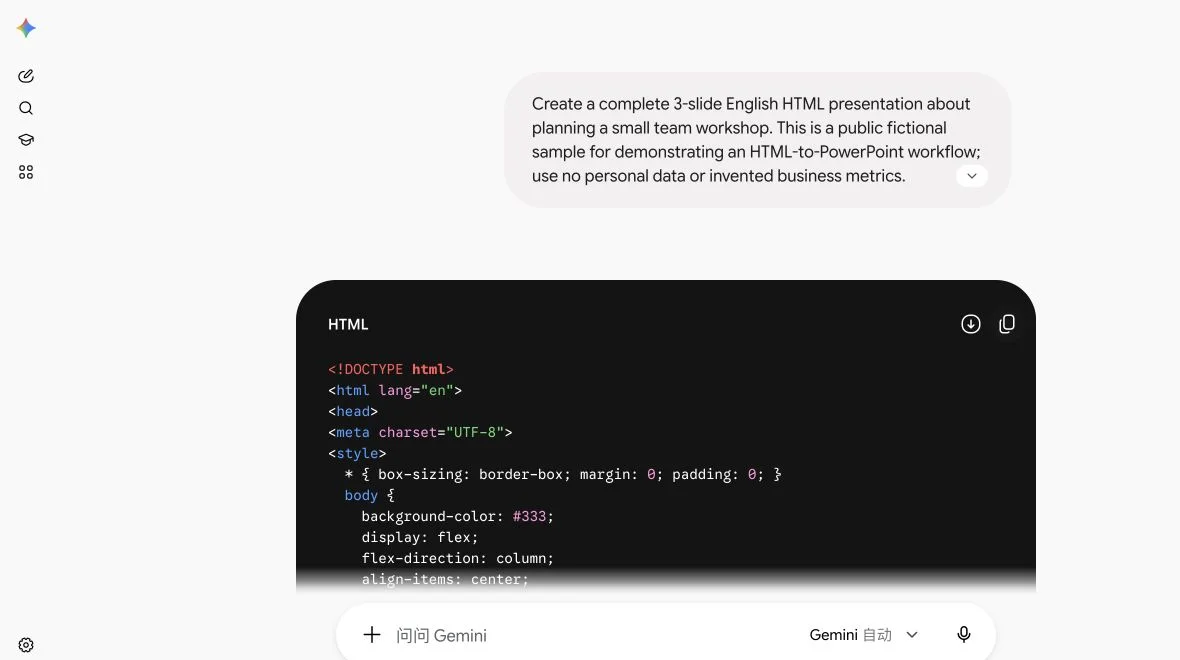
For this case we used Gemini’s ordinary chat with the automatic model selector. We requested three fictional workshop slides, visible static sections, Georgia headings, Arial body text, and no external dependencies.
2. Upload it and make the final changes
Open SlideBeaver, choose Upload HTML, and check every slide. The tested file has an introduction, a three-step workshop plan, and a recap.
You can make a small correction directly on the canvas rather than requesting a new version of the entire deck.
A real example: one word and one size change
We deliberately asked Gemini to write “Ready for the next stepp” on slide 3, so the test would have a clear before-and-after state. This was an intentional test input, not an unprompted Gemini spelling error.
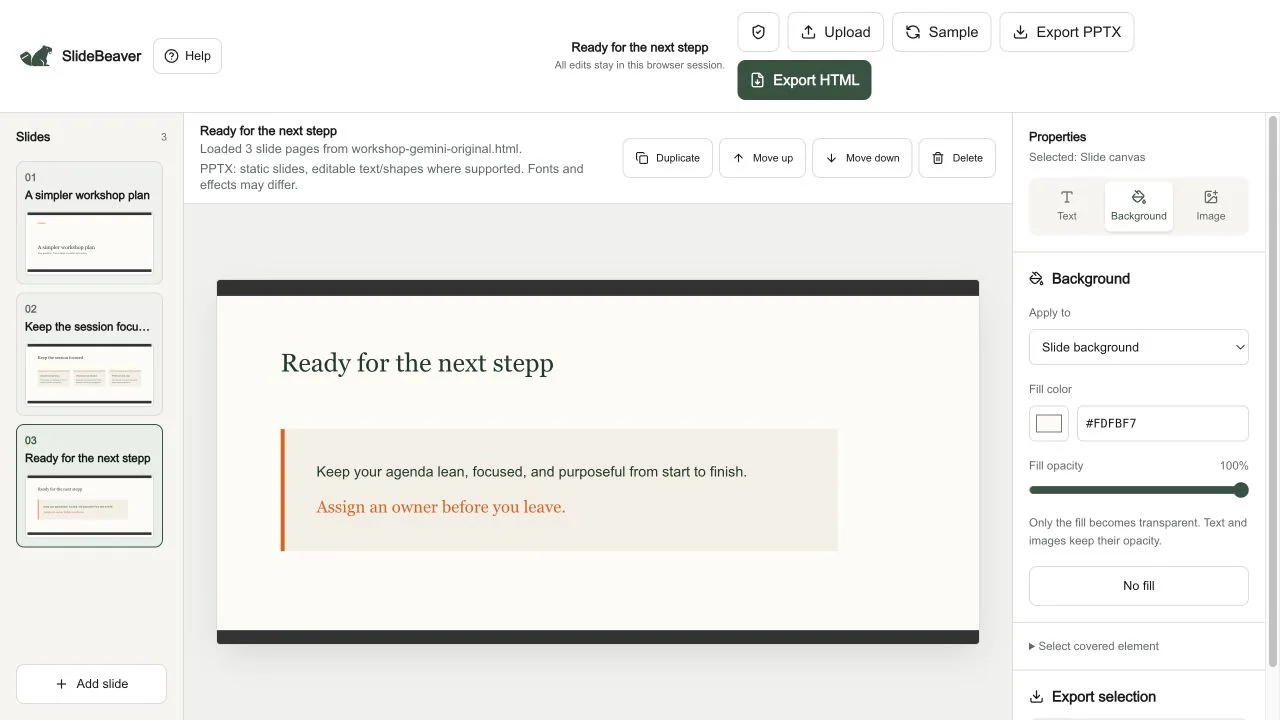
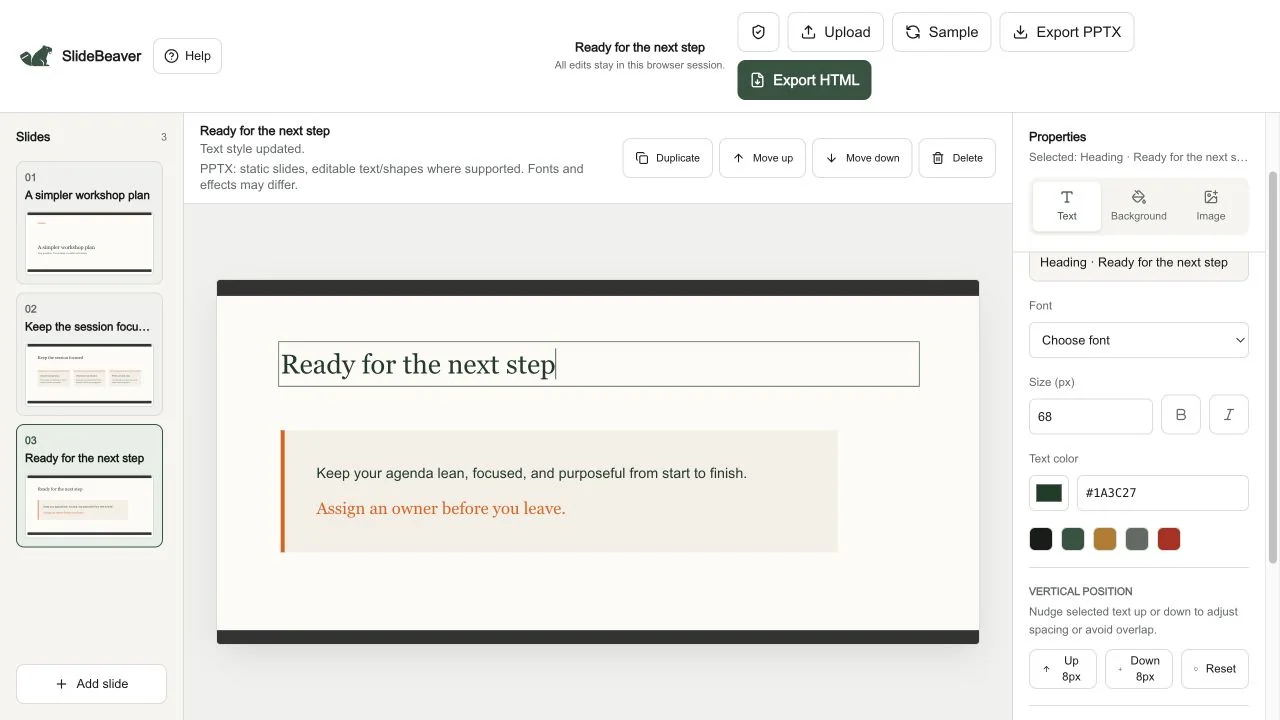
In the editor we changed stepp → step, then increased the heading from 64 px to 68 px using the text controls.
3. Export PPTX and keep an HTML copy
Choose Export PPTX to download the static presentation. Use Export HTML too if you want to reopen your edits in this editor.
The actual three-slide PPTX contains the corrected heading as text alongside other text and picture objects. Reimporting the exported HTML also retained three slides, the corrected word, and the 68 px heading.
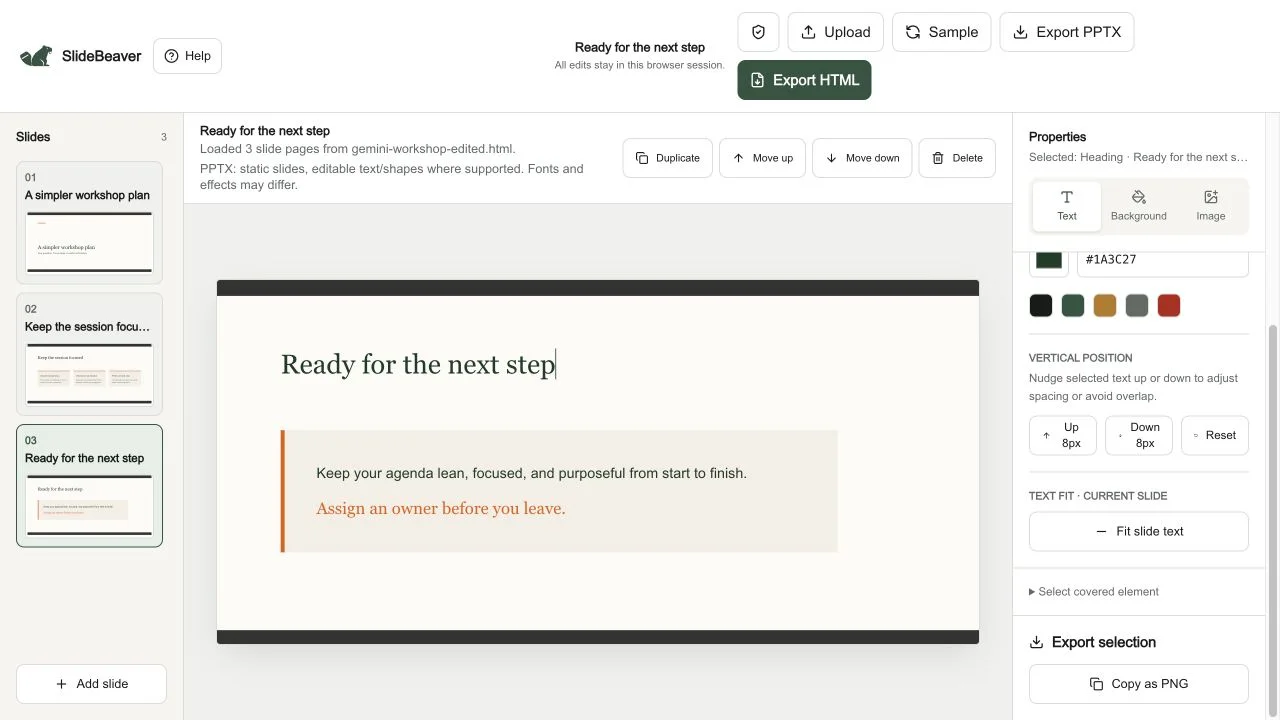
This is a specific workflow sample, not desktop PowerPoint visual acceptance. Open the downloaded PPTX in your presentation app, inspect every slide, and save and reopen a word edit before delivery. For a Google destination, follow the HTML-to-Google-Slides guide.
If the HTML needs a static handoff copy
If JavaScript creates a chart, switches slides, or reveals text, request a version where the final slide content is visible without those interactions. Keep your original interactive version separately.
Prepare a complete static HTML handoff copy of this presentation.
Preserve the wording, slide order, and visual hierarchy.
Do not invent facts, figures, sources, or images.

Return one UTF-8 HTML document with its CSS in the file.
Use one top-level <section class="slide" data-slide="true"> per slide
and a consistent 1920 x 1080 canvas. Make every slide visible.
Keep headings, labels, and body copy as ordinary HTML text.
Do not require JavaScript, animations, hidden states, or a framework.
Include the supplied assets; identify anything missing.
Return the full document rather than a shortened snippet.
This request prepares an input; inspect the result before importing. A matching slide count alone cannot confirm that every chart or image is present. For a new deck, start with our presentation prompt and example.
Check the handoff before sending it
- Missing content: check script dependencies, hidden sections, and asset references in the source.
- Changed wrapping: inspect the destination font, weight, and text-box width, then adjust and recheck.
- Words cannot be edited: check whether they are text or part of a picture. Use the editability guide.
SlideBeaver’s PPTX is static, excludes source scripts and animations, and does not embed fonts. The tested HTML was deliberately constrained to a static structure. Its editor preview includes dark bands above and below the cream area, visible in the captures; this case does not establish exact reproduction for all Gemini layouts.
For source repair, see the fonts, clipping, and images guide.
Already using native Canvas slides? If the result offers Export to Slides, that may already suit your task; see Google’s Canvas instructions.
Frequently asked questions
Can I paste a Gemini share link?
The editor imports local HTML files. Obtain the complete source and upload the saved document.
Does SlideBeaver generate slides from my conversation?
Generation happens in Gemini. SlideBeaver provides the editing and export step for a supported saved HTML deck.
Will JavaScript effects work in PowerPoint?
This export is static. Keep the HTML version for browser interactions.
Have your HTML ready?
Open the editor · Check PPTX editability · Browse all guides