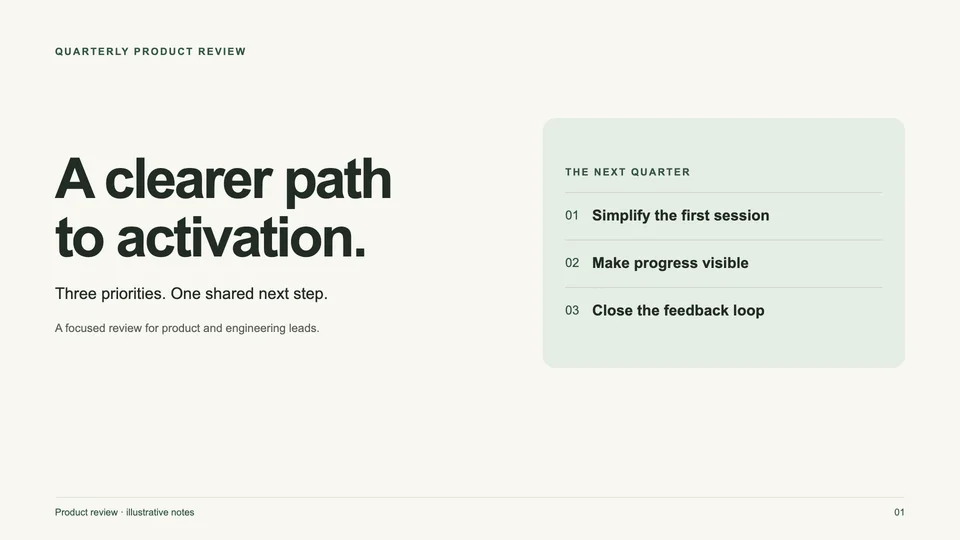
Prompt · AI chat
General HTML presentation
Turn a brief or rough notes into a clear deck with one message per slide.
By SlideBeaver
Create with AI · finish with SlideBeaver
Copy a presentation prompt, add your own facts, and generate a single-file HTML deck in your AI chat. Each guide includes an original example you can preview and download.
Start from a general brief, a product introduction, or a lesson. Replace the inputs with your own material before generating.
Prompt · AI chat
Turn a brief or rough notes into a clear deck with one message per slide.
By SlideBeaver
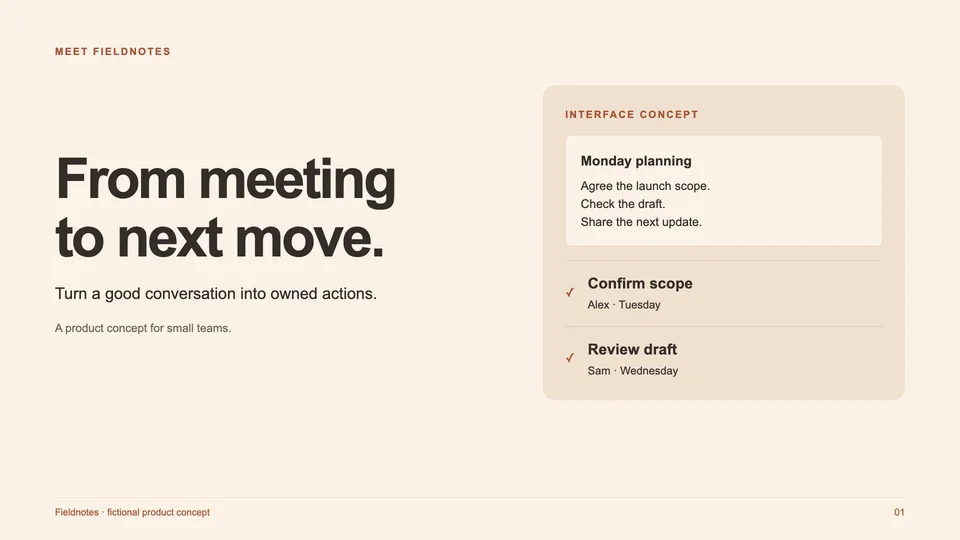
Prompt · AI chat
Explain the problem, show how your product works, and make the next step clear.
By SlideBeaver
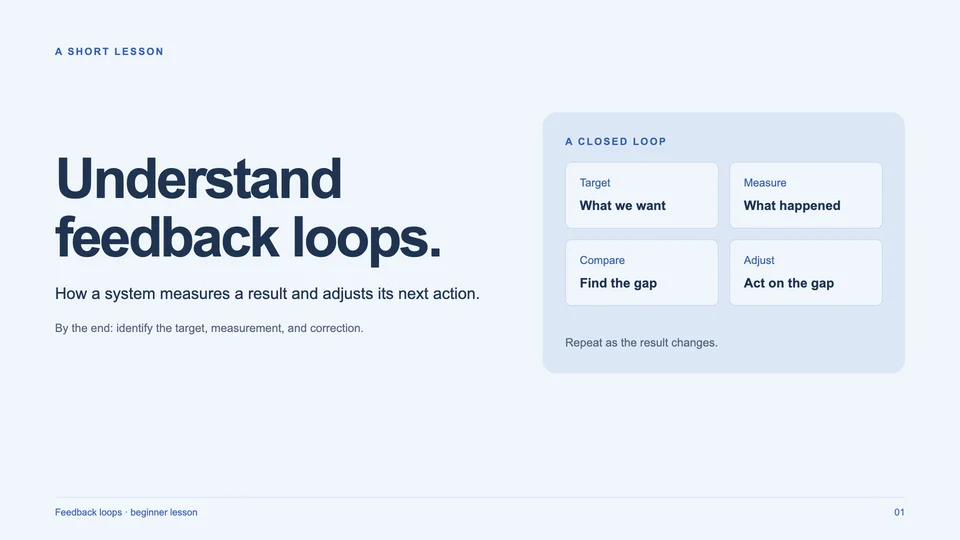
Prompt · AI chat
Teach one concept through an explanation, a worked example, and a short exercise.
By SlideBeaver
Choose the general presentation prompt for a team update or project review where a clear message, evidence, and next action matter most. Use the product introduction prompt when the audience needs to understand a problem and see how a product addresses it. For teaching, choose the lesson prompt to explain one concept, work through an example, and check understanding with a short exercise.
Before generating, replace every bracketed input with your actual notes, audience, language, and desired slide count. Supply sources for important figures and label anything still unknown. An example deck shows structure and layout; its fictional material is not evidence about your business. Preview and download the example if you want to inspect a complete HTML file before writing your own brief.
Generate in your own AI tool, save the complete document, and open it locally. Check that each slide is visible, the text fits, and required images load. Then upload it to SlideBeaver for small visual edits and static PPTX export. If the source relies on scripts to reveal content, request an always-visible handoff copy first. The worked export guide covers fonts, clipping, and missing images; keep the original HTML alongside the presentation file.
Upload it on desktop, edit the layout, and export a static PPTX.